
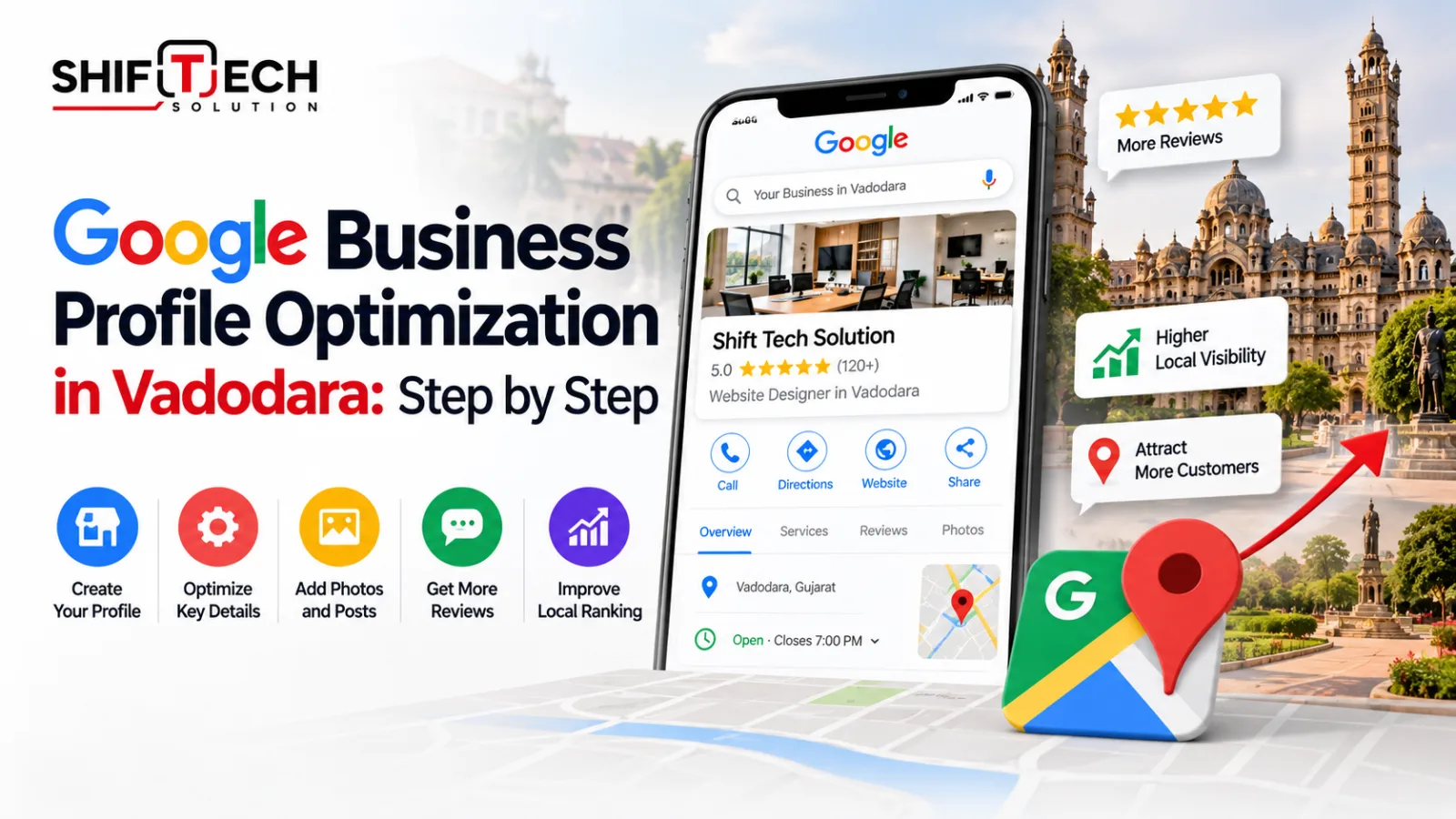
When someone in Vadodara searches for "dentist near me", "interior designer in Alkapuri" or "website developer in Vadodara", Google often shows a map with three businesses before any website link. Google business profile optimization is how you earn one of those spots. The profile is free, and most local businesses have not set it up properly.
This guide walks you through every step, in the order that matters most.
What is a Google Business Profile?
A Google Business Profile is your business listing on Google Search and Google Maps. It shows your name, address, phone number, opening hours, photos, reviews, services and website link. Customers can call you, get directions or message you straight from it, without opening your website.
For local businesses, it is often the first thing a customer sees about you. If it is missing or incomplete, a competitor with a weaker website but a better profile can appear above you.
How to optimize your Google Business Profile
Step 1: Claim and verify your profile
Search for your business name on Google Maps. If a listing already exists, claim it. If not, create one at business.google.com. Google offers different verification methods depending on your business, such as phone, text, email, video or postcard. Complete it quickly, because an unverified profile has limited visibility.
Step 2: Choose the right primary category
Your primary category is one of the strongest signals Google uses to decide which searches you appear for. Pick the most specific option, for example "Interior designer" instead of "Designer", or "Software company" instead of "Company". Add secondary categories only for services you genuinely offer.
Step 3: Keep your name, address and phone consistent
Your name, address and phone number should match across your Google profile, your website, social media and directories such as Justdial, Sulekha or IndiaMART. Small differences, like "Pvt Ltd" in one place and not another, create confusion. Two rules from Google's guidelines are worth remembering:
- Use your real business name. Adding keywords such as "Best Web Design Company Vadodara" to the name can get your profile suspended.
- Use a real, staffed address. If you serve customers at their location, hide the address and list your service areas instead.
Step 4: Write a clear business description
You get 750 characters. Explain what you do, who you serve and where, in natural language and not a list of keywords. Cover your main services, the areas you serve and one reason customers choose you.
Step 5: Add all services and products
Fill in the Services section completely, with a short description for each. For product businesses, add your main products with photos and prices where possible. This helps Google match you with specific searches and helps customers decide before they call.
Step 6: Upload real photos
Add your logo, a cover photo, an exterior photo so people can recognize your shop or office, interior and team photos, and photos of your work. Use real photos, not stock images, and add new ones regularly.
Step 7: Collect and answer reviews
Reviews influence both ranking and trust.
- Ask every satisfied customer for a review and send your direct review link on WhatsApp right after delivery.
- Reply to every review, positive or negative, politely and specifically.
- Never buy reviews, offer discounts for reviews or write them yourself. This violates Google's policies and can lead to removed reviews or suspension.
Step 8: Use posts and the Q&A section
Publish updates such as offers, new services or completed projects. In the questions section, add the most common customer questions and answer them yourself, such as pricing range, delivery time or service areas.
Step 9: Keep opening hours accurate
Check your hours every day of the week and set special hours for Diwali, Uttarayan and other local holidays in advance. Wrong hours are one of the quickest ways to lose customer trust.
Step 10: Link your website properly
Add your website link and make sure the page is useful. If you have separate pages for services or cities, link to the most relevant one. Your website should show the same name, address and phone number as your profile. If you want help with the website side, see our SEO, AEO and GEO services.
Common Google Business Profile mistakes
- Stuffing keywords into the business name, which can get the listing suspended.
- Choosing a vague or wrong primary category.
- Using different phone numbers or addresses in different places.
- Ignoring reviews.
- Never adding photos after the first setup.
- Keeping duplicate listings for the same business, which split reviews and visibility.
- Leaving the map pin in the wrong spot. Check that it sits on your real entrance.
A local tip for Vadodara businesses
Many people search by area name, not just by city. Mention the neighborhood you operate in, such as Alkapuri, Makarpura, Gotri or Manjalpur, in your description, posts and photo captions where it is natural and true.
Google Business Profile checklist
- Profile claimed and verified
- Specific primary category and relevant secondary categories
- Name, address and phone match your website and directories
- 750-character description written naturally
- All services and products added
- Logo, cover photo and at least 10 real photos uploaded
- Opening hours and holiday hours correct
- Review link shared with customers and all reviews answered
- Website link added
- One new post or photo added every month
Need help with local SEO?
Shift Tech Solution is a web design, ERP and SEO company in Vadodara. We help local businesses set up their Google Business Profile along with a fast, SEO-ready website. Read more in our guides on how to rank on Google in Vadodara and why Vadodara businesses need local SEO in 2026, or get a free SEO audit.